Group Owners and Mass Actions
GroupsUpdated September 24, 2026
Two features make managing a large group practical: designating an owner, and acting on many members at once instead of one at a time.
The owner toggle
On the Users tab of a group, you can flip a member to owner. A group owner gets extra permissions within that group — useful for delegating day-to-day management of a department or client group to a team lead without handing them full admin rights across the portal.
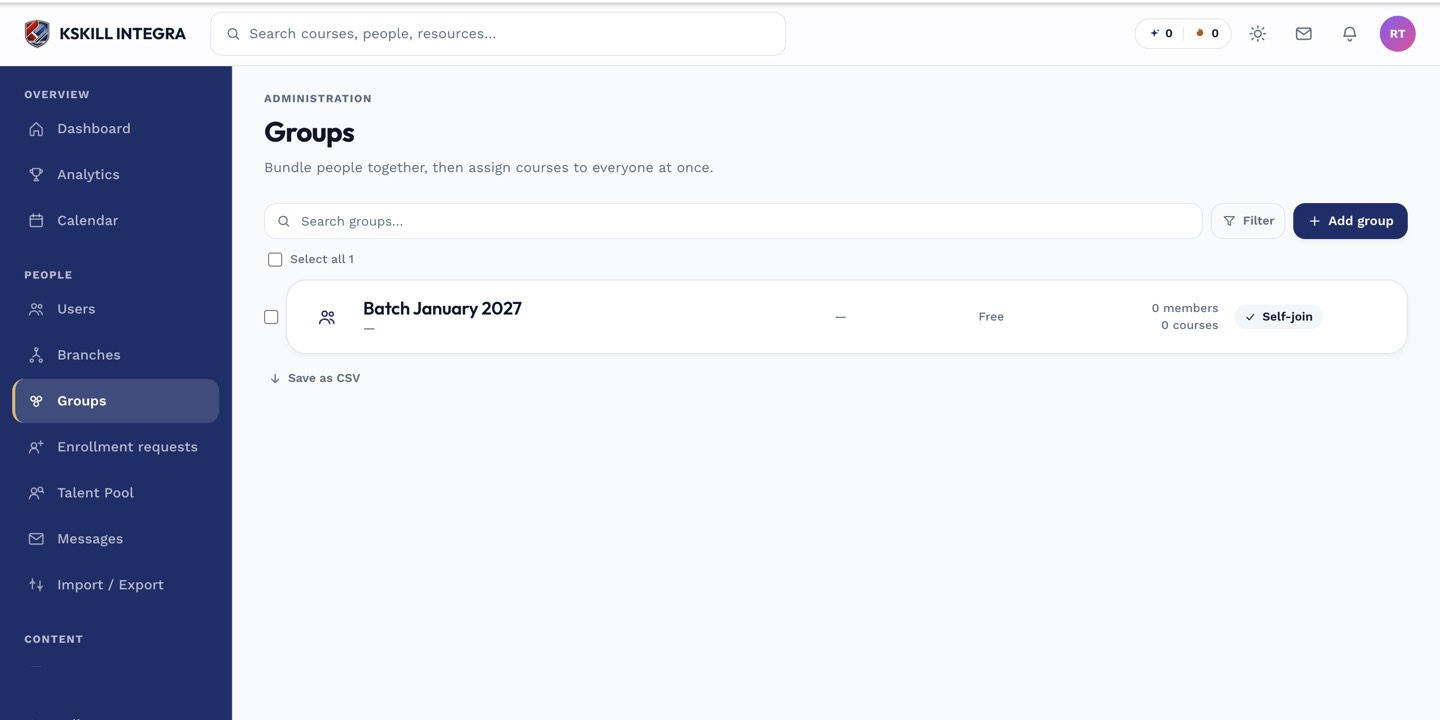 The owner toggle sits directly on each member's row in the Users tab.
Mass actions
Select multiple rows in the Users or Courses tab and a mass-action bar appears, letting you bulk add or remove users, or bulk attach or detach courses, instead of repeating the same drawer flow one entry at a time.
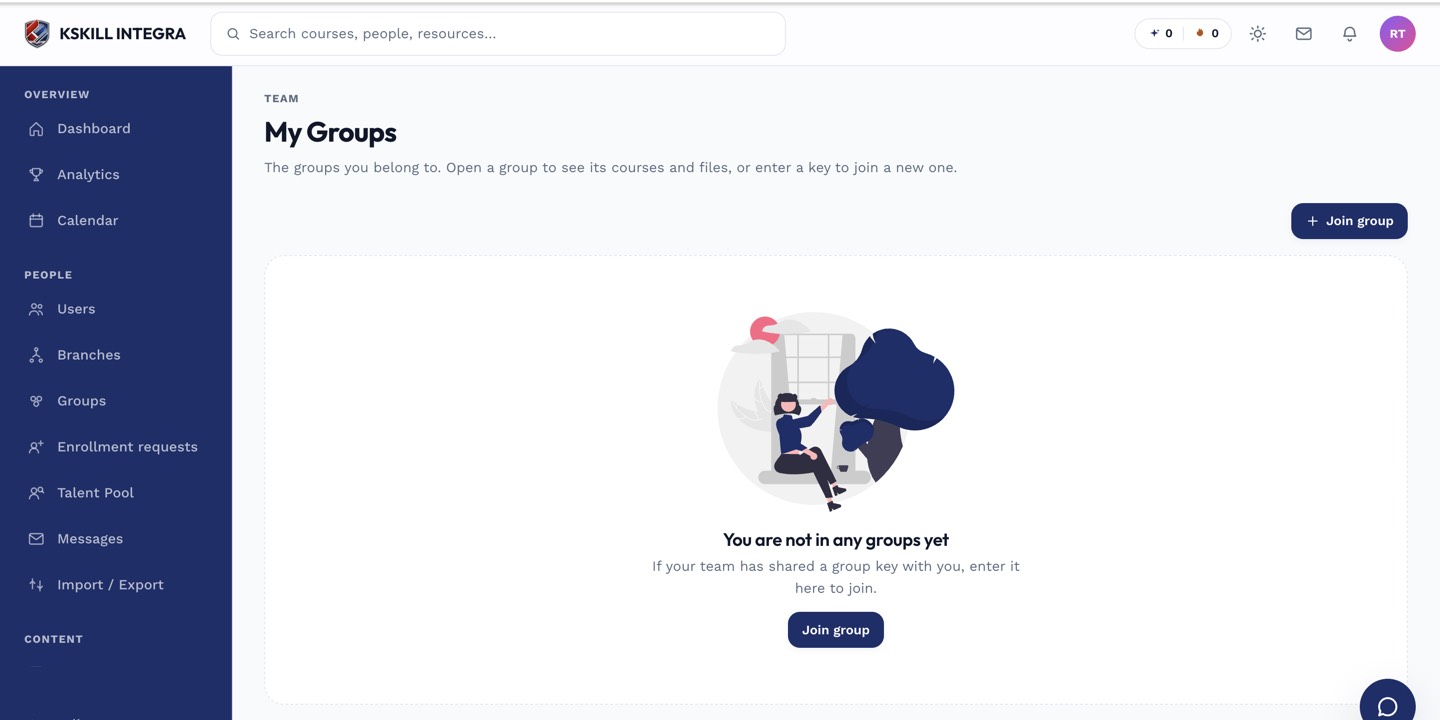 Selecting several rows surfaces bulk add/remove actions for the whole selection.
Notes
Owner status is scoped to that one group — being an owner of one group has no effect on any other group, cohort, or branch.
What next?
#groups#owner#permissions#bulk actions#admin