Groups vs Cohorts vs Branches
Three concepts group users on your tenant. This article explains what each is for so you pick the right one.
Before you start
Any admin can create Groups and Cohorts. Branches usually require the platform's branches feature to be enabled.
Step 1 — Group — the permanent unit
A Group is permanent. It has no end date and is best for org units like Sales team or New joiners 2026. Attach courses and every current and future member auto-enrols. If you never plan to say 'the intake starting Monday', a Group is what you want.
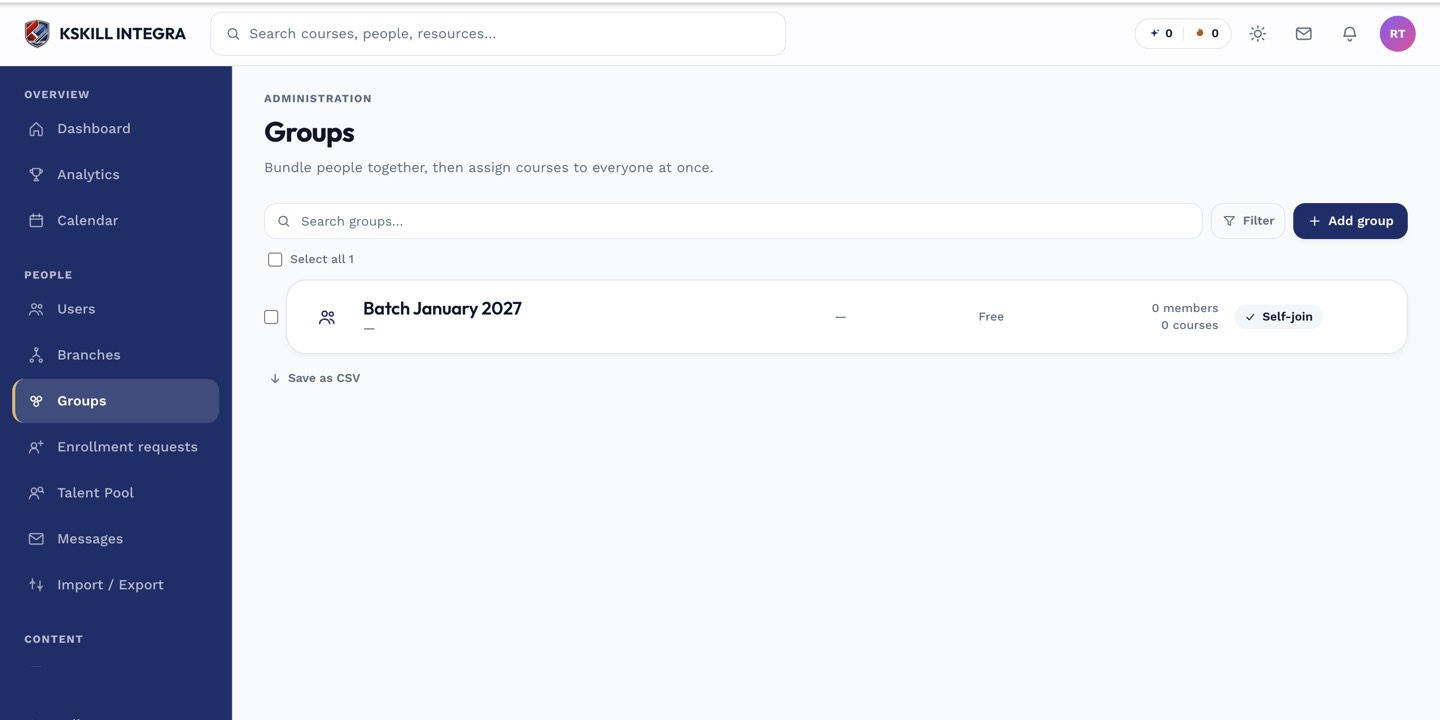
Every group management task starts from this list.
Step 2 — Cohort — the scheduled intake
A Cohort is time-boxed. It has a start and end date and is best for a scheduled intake like Autumn 2026 onboarding. Cohorts get their own discussion thread, a facilitator role, and lifecycle notifications as milestones tick past.
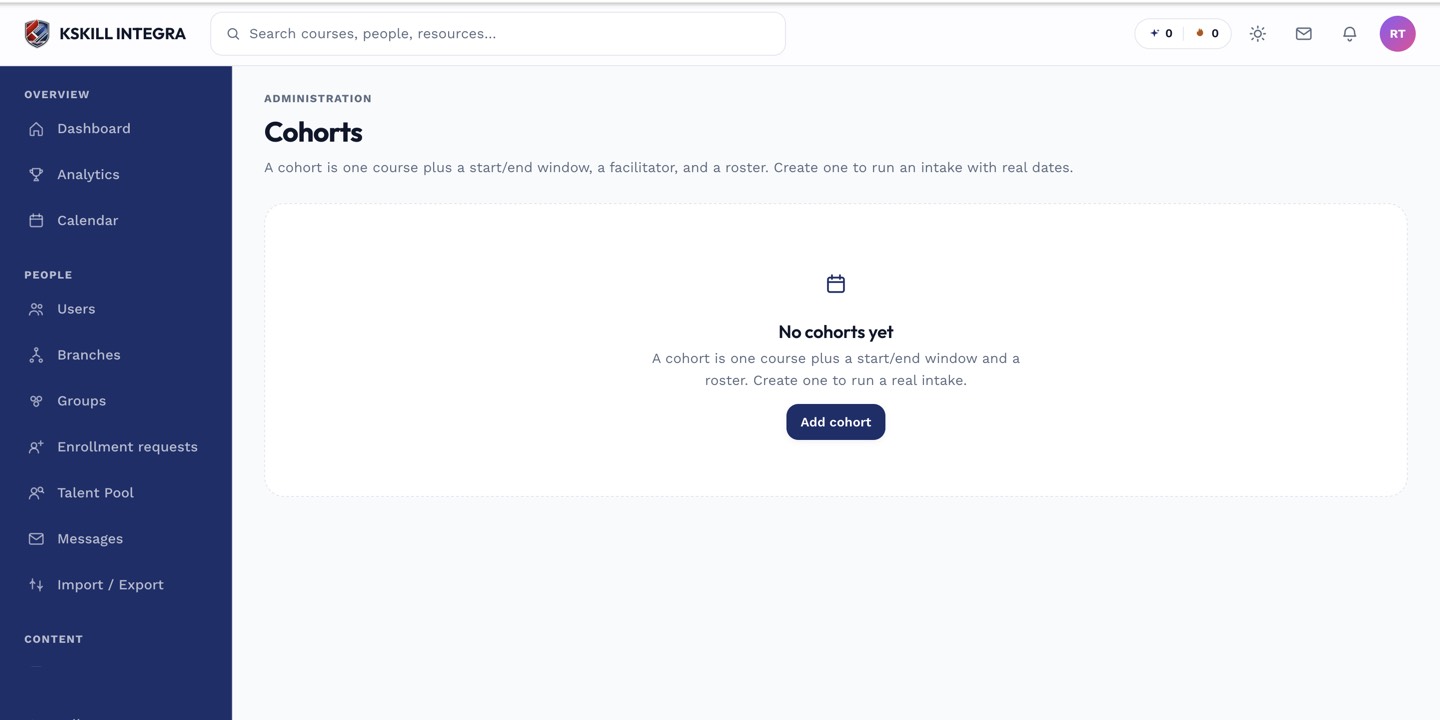
Cohorts are the time-boxed cousin of Groups — same drawer patterns, added dates.
Step 3 — Branch — the sub-portal
A Branch is a whole sub-portal with its own branding, its own users, and its own courses. Use branches when you sell training to multiple client organisations from one install, or when your business has genuinely separate departments that should not see each other's data.
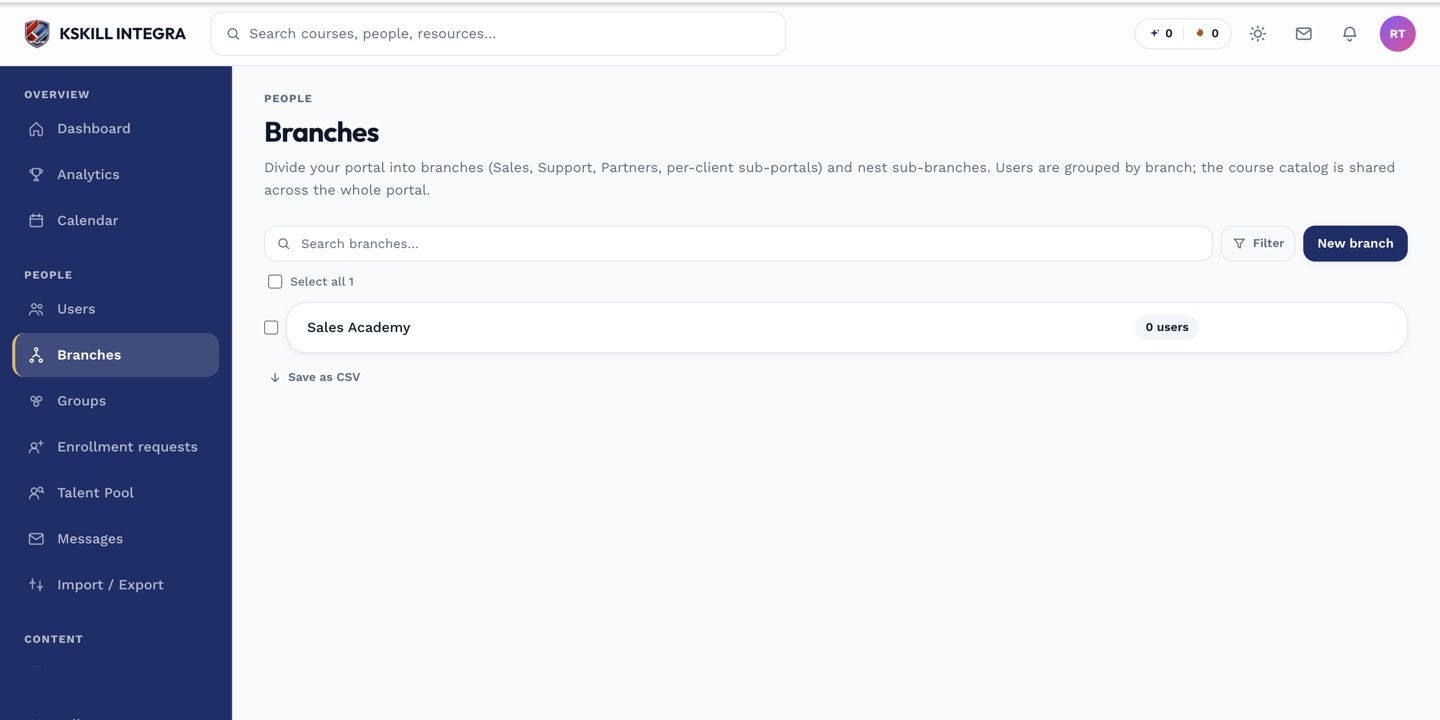
The Branches list is the roll-up view of every sub-portal on the tenant.
Notes
- In doubt: use a Group. Cohorts and Branches solve narrower problems.
- You can combine them — a Cohort inside a Branch, with members drawn from a Group.