The floating support bubble
SupportUpdated September 24, 2026
A small floating support bubble follows learners around the platform so help is never more than one click away, no matter which page they're on.
Where it appears
The bubble shows up on learner-facing pages — the dashboard, a course player, the catalog — as a persistent, unobtrusive icon, usually anchored to a corner of the screen.
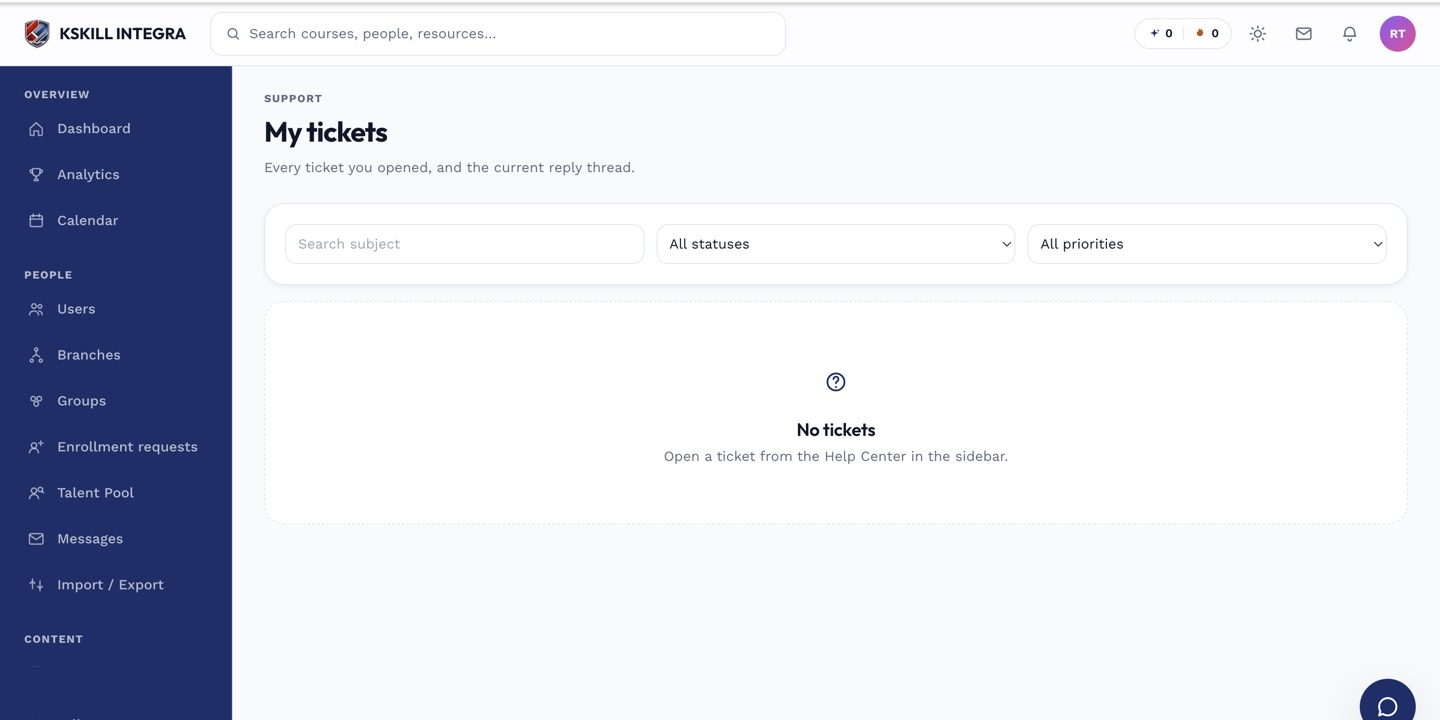 The bubble stays visible while a learner navigates between pages.
What clicking it does
Clicking the bubble opens the Support Centre options in place: starting a live chat, viewing your ticket history, or — if your tenant has one configured — the WhatsApp redirect.
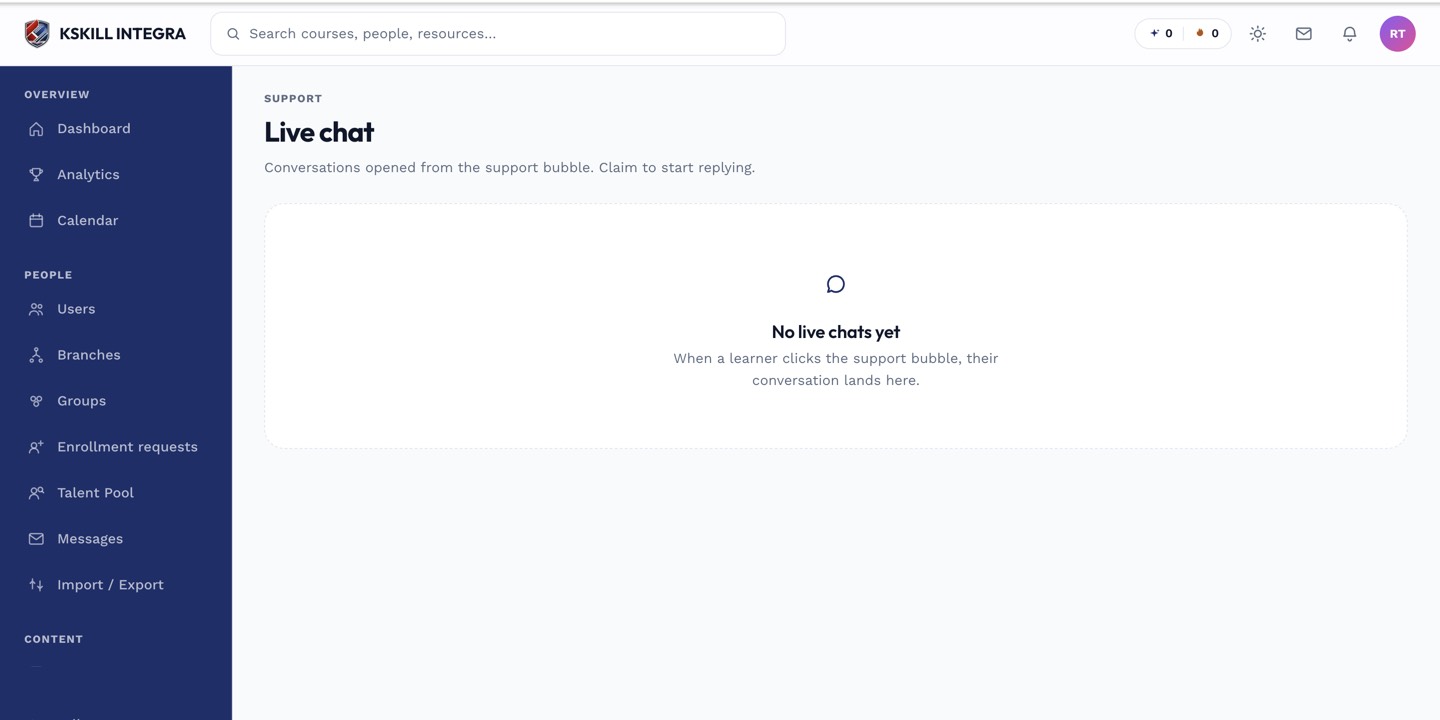 The bubble is the shortcut into every support option a learner has.
Notes
The bubble is not configurable per learner — it is on for every learner on pages where it applies. There is no separate on/off switch documented here; if you cannot see it, check with your tenant admin whether the Support Centre feature is enabled at all.
What next?
#support#bubble#help#learner#ui