Tracking your support tickets
SupportUpdated September 24, 2026
Every support ticket you've submitted, along with any replies, stays available in your own ticket history — no need to dig through email to find out what was said.
Where to find it
Open the Support Centre, or click the floating support bubble, and look for your ticket list. Each entry shows its status and the most recent reply.
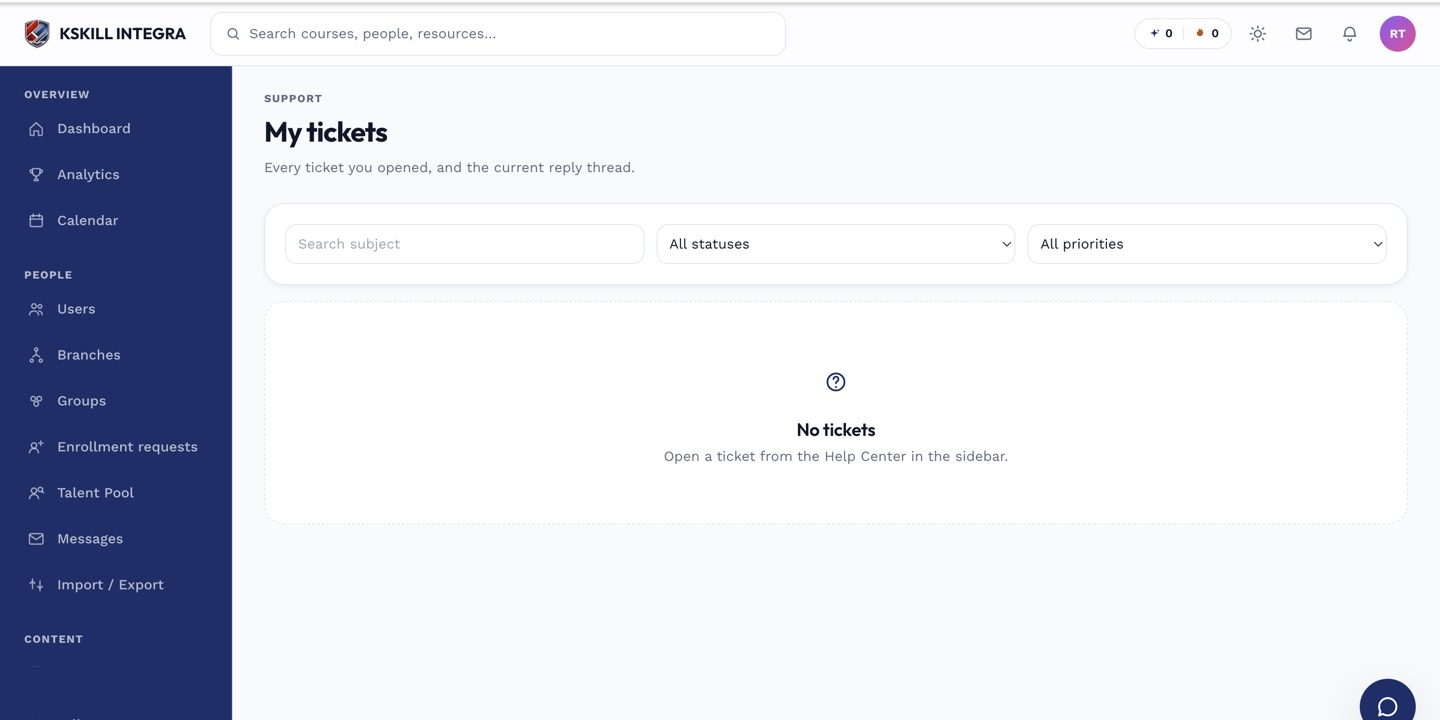 Your tickets are listed with status and last activity at a glance.
Replying and following up
Open a ticket to read the full thread and add a follow-up message if the first answer didn't fully resolve things. There's no need to start a new ticket for the same issue.
 A ticket stays open for follow-up until it's closed.
Notes
If you'd rather talk to someone right now instead of waiting on a ticket reply, live chat is usually faster.
What next?
#support#tickets#learner#history